
Trazar Designer 2027: Essential Software for AEC Professionals
Trazar Designer 2027 is an essential application for Architects, engineers, and construction professionals. It empowers architects, drafters, engineers, and builder contractors to efficiently design and manage:
- ⚡ HVAC 2D Duct System
- ⚡ Sanitary & Plumbing Lines
- ⚡ Fire Protection
- ⚡ Electrical Power & Lighting
- ⚡ Fire Alarms System
[ Key Benefits ]
Ideal for quick and simple 2D tasks. Intuitive interface allows users to create useful plans without complex tools.
Perfect for MEP engineers seeking an accessible, easy-to-use solution for rapid modifications.
An economical solution for tasks that don't require heavy resource overhead.
[ Expert Recommendations ]
Trazar Designer provides an intuitive interface for quick and simple 2D tasks, making it ideal for project designs of any size that do not require 3D design. By combining Trazar Designer with other advanced tools, you can leverage the best of each, ensuring speed and simplicity in initial tasks and complexity and detail in advanced project phases.
Subscription Plans
Buy a subscription for as low as US$3.99/daily
Priced at US$3.99 per user sold on a flexible daily term. Includes software updates and technical support.
Options: Daily, Monthly, Annual, Mobile USB Dongle, or Enterprise Subscriptions.
Software Downloads & Core Packages
| [ OS_NODE ] | Binary_Link | Package_Description | Release_Date |
|---|---|---|---|

|
download >> | Trazar Designer (Windows) | 2026-04-15 |

|
download >> | Trazar Designer (macOS) | 2026-04-15 |

|
download >> | Trazar Designer (Linux) | 2026-04-15 |
| [ EXT ] | download >> | BricsCAD Software (Ultimate, Platinum, Pro or Lite) | -- // -- |
Cross-Engine Support Notice: Trazar Designer actively natively supports AutoCAD® 2016-2027, AutoCAD® LT 2024-2027 (Windows Environment), BricsCAD® v16 or superior (Multi-OS), and ZWCAD 2025-2027 implementations.
System Activation & Deployment Protocol
1. Subscription Authentication
To execute and sync your cloud licensing parameters terminal session, mount your provided Product Code & PIN.
> SECURE ACTIVATION PORTAL HERE <2. Direct Resource Retrieval
Download the combined operational configuration asset container file directly:

3. Step-By-Step Installation Pipeline
- Extract/Unzip the download archive structure as a dedicated isolate folder directory.
Example: /home/user/documents/trazar-collections - Initialize your host CAD application Engine.
- Append the path variable string
"trazar-collections"into your application's Support Paths or Trusted Locations settings. - Call the command line execution input: _APPLOAD.
- Target and locate the entry script file
"trazar.lsp"inside the core root folder, then click Load.
* System Note: Upon menu compiler resolution, additional context layout toolbars will automatically populate your screen. You may resize or mount them dynamically.
Startup Persistence Configuration (AutoCAD® LT Requirement):
- Invoke the application prompt context: _APPLOAD.
- Enter the Startup Suite workspace dashboard by selecting the (Contents) interface block.
- Click (Add), navigate directory streams to locate your code source target, and append it.
- Click (Close) to commit current runtime stack changes across dialog windows.
CAD Compatibility Ecosystem
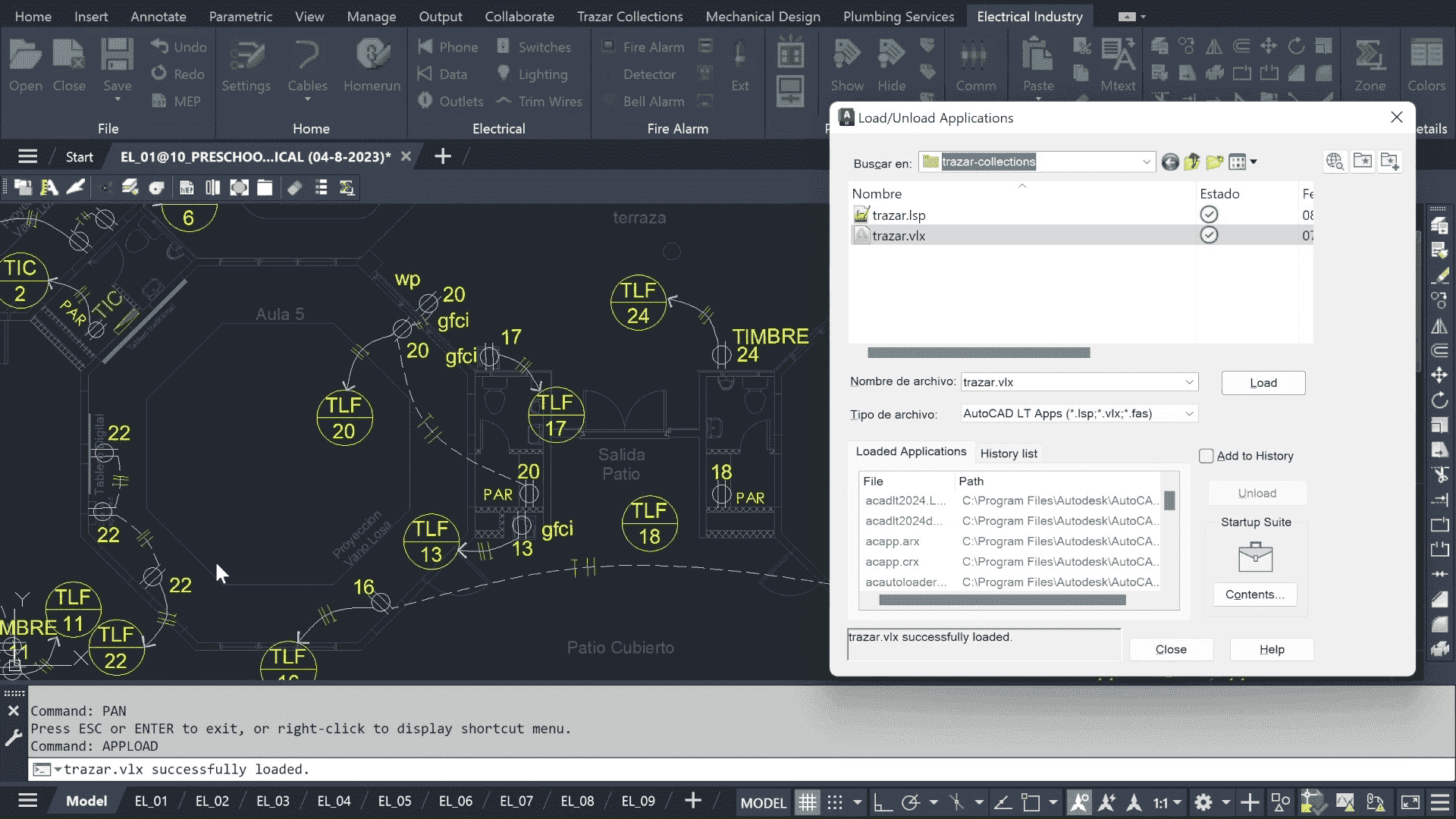
AutoCAD
Full Version 2016-2027
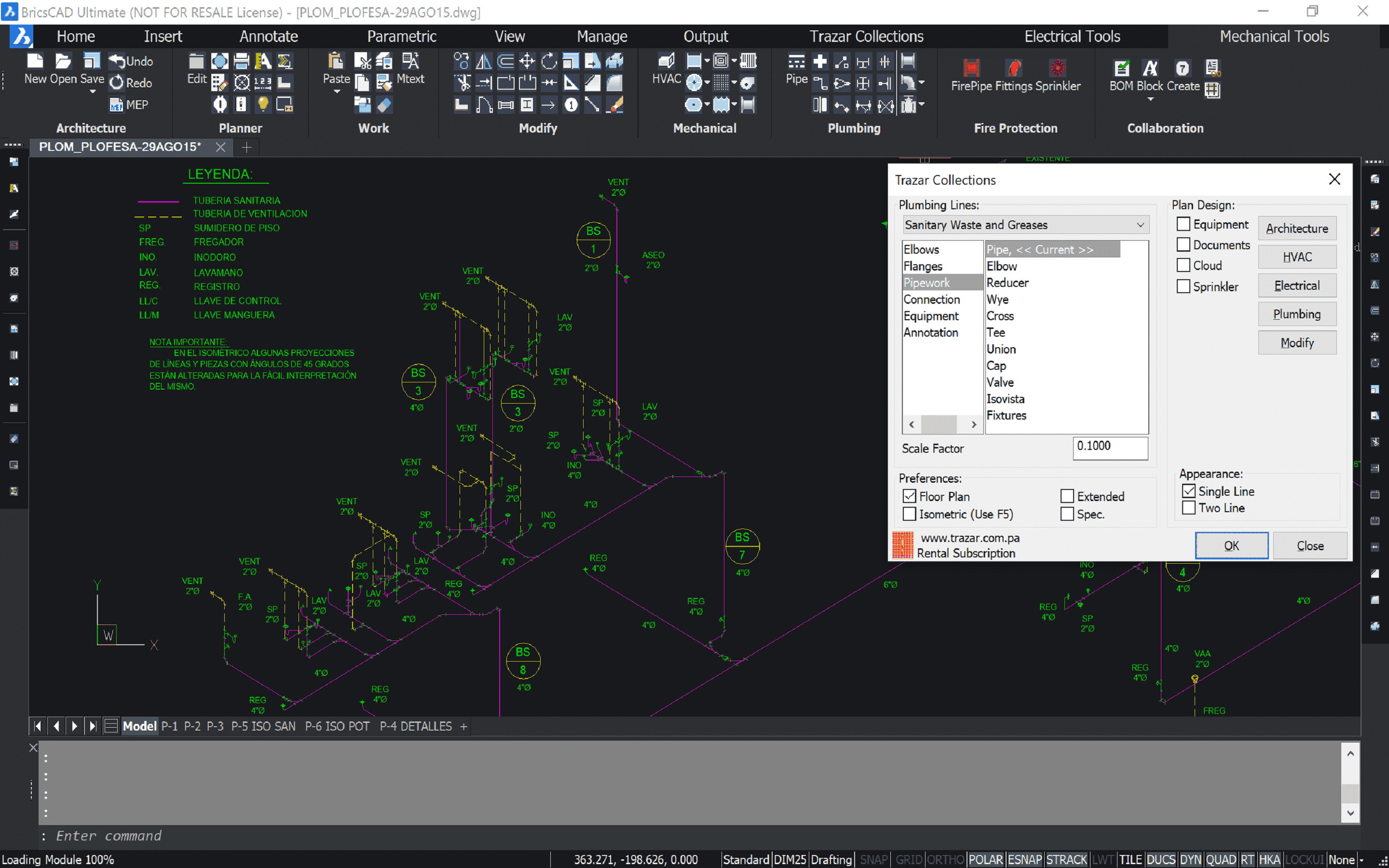
BricsCAD
v16+
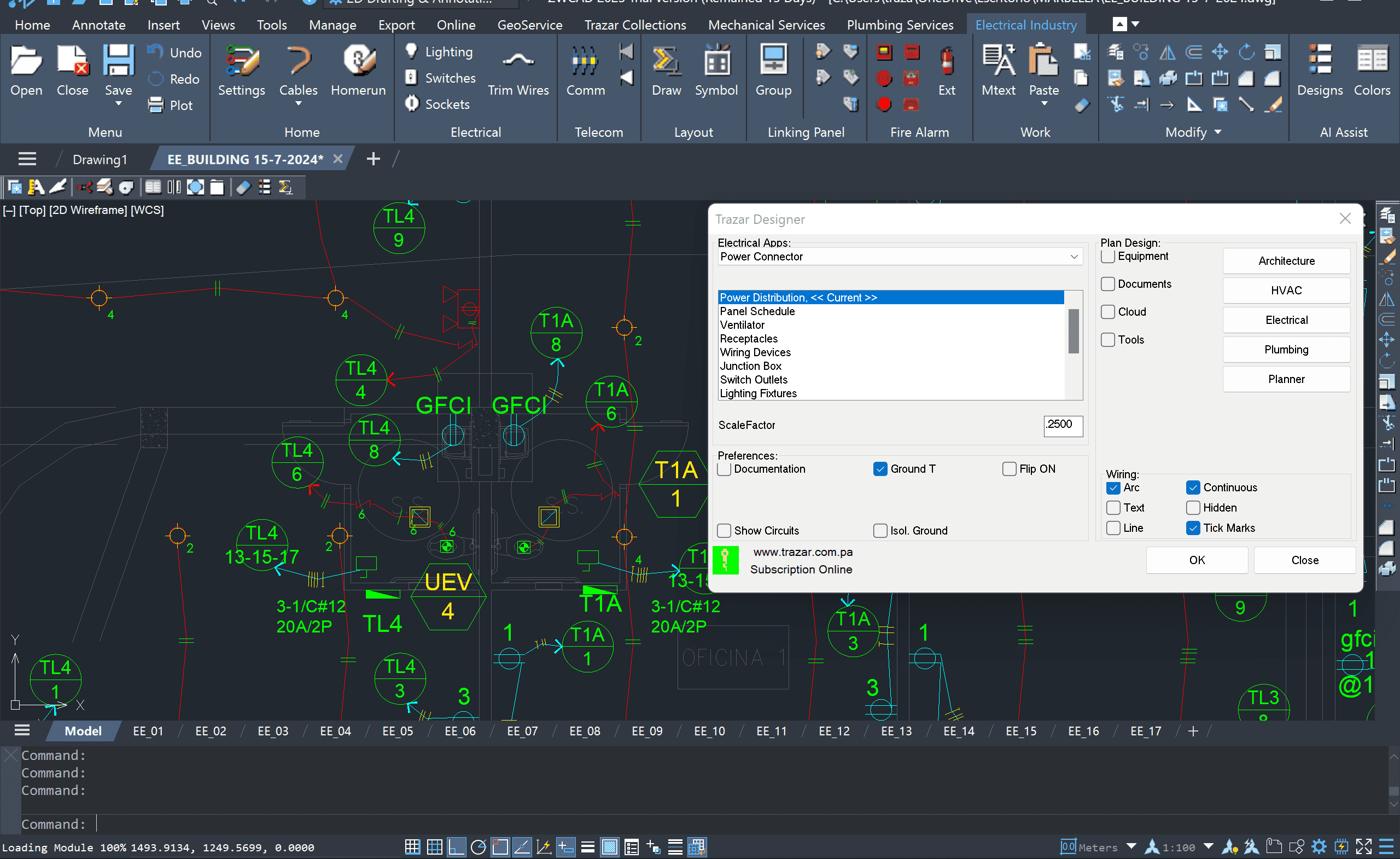
ZWCAD
Version 2027
Review video deployment paradigms over our official Trazar YouTube Development Channel.
Global Reseller Partner Network
If your business enterprise handles commercial design software architecture distribution, hardware systems administration, or engineering computing consultancy portfolios, explore our wholesale avenues. Resellers receive a baseline 20% system commission margin on closed conversions, scaling dynamically against regional baseline volume targets.
Inquire directly with your corporate portfolio payload via: sales@trazar.com.pa
// NEED HELP? CONTACT US
PH Elmare 1000, Edison Park, Betania, Panama.
// WE ACCEPT
// E-mail Support
If you have further questions or technical feedback about our architecture, establish a secure uplink with our team.